FAB (Free Air Broadcast) 3D Telemetry
This page is devoted to a tool that enables telemetry and gps data to be displayed in 3D realtime using google earth. Data can be sent to the pc using serial either via xbee or serial cable in simple text format.
The software due for release in July 2010 is written in C# and provides kml and tab delimited logging along with an easy to use set of analog and digital instrument controls
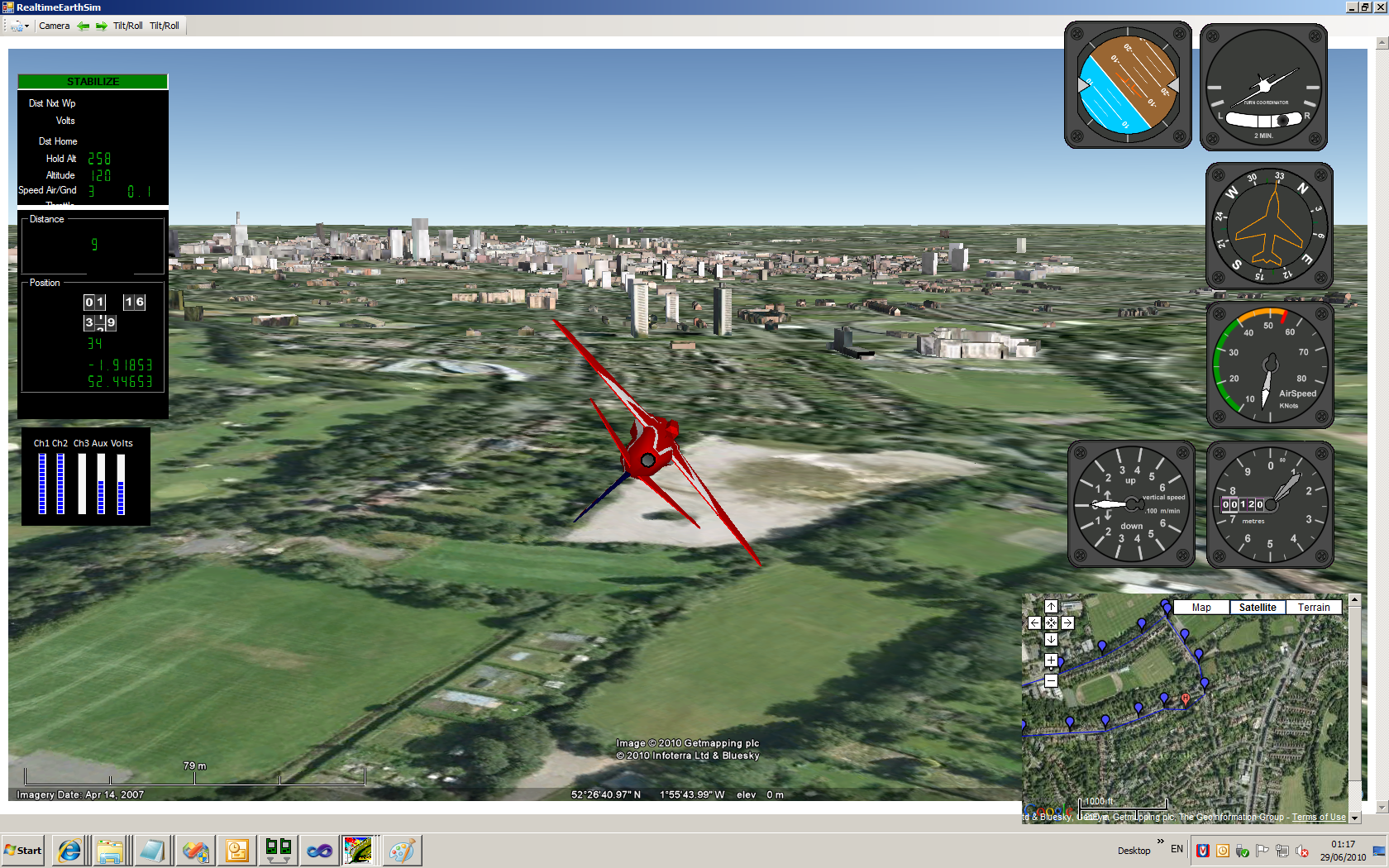
The pitch, roll, height and position you provide via arduino (or ano) is also reflected using 3D geometry in google earth
The uses the google sketch up 3D models allowing you to specify your own equipment for display. (The plane in the examples is just an example)
Google earth is optional and has been used because of it's ability to run off-line
Serial Example
It is intended to cater for a wide range of serial formats here is an example of one.
The following serial command would make the plane shown below pitch down and roll left
+++ PCH:-20,RLL:-50
Sending GPS position and altitude automatically shows the 3D model in the correct location. Compass bearing, course, ground speed etc can all be displayed or used within the tool
!!!LAT:-52.345354,LON:-1.345678,ALT:400,BER:240,GRD:120
The screen update rate is optional but defaults to 5 times per second, using the google earth radio selection folders you can view the model from various positions
Waypoints and Home
Waypoints and home can also be sent via a serial link
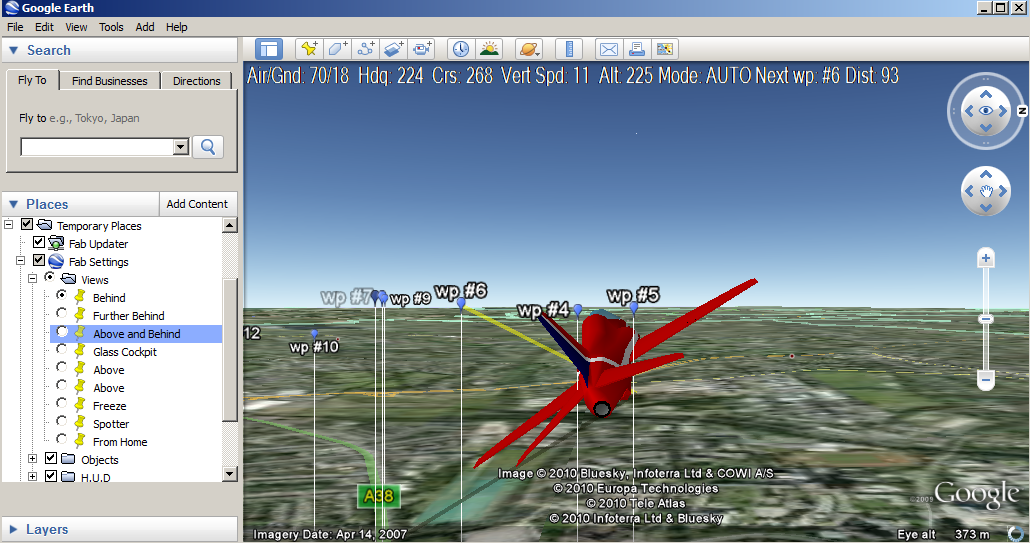
As you or your model travel, the next waypoint and home are marked with optional tracer lines allowing you to easily get your bearings. There are also many other OSD type controls to assist.
Below you can see a yellow/green for the next waypoint and a dark line for direction to home.
Pictures
The following screen shots were taken in realtime using an acceleromoter, giro, gps and arduino via xbee > xbee > pc
Standing back at 20,000 feet. Take your arduino, atto or UAV dev board and laptop on your next plane journey and see what the pilot would like to see!

If you send NWP:#6 via serial then the path to waypoint 6 is displayed in realtime
Glass cockpit view. You can switch on a HUD and other controls or keep it clean like this

Set the virtual camera to follow your arduino behind, above or from any distance. better than video!

Switch on the analog instruments

See the real attitude of your model LIVE!!